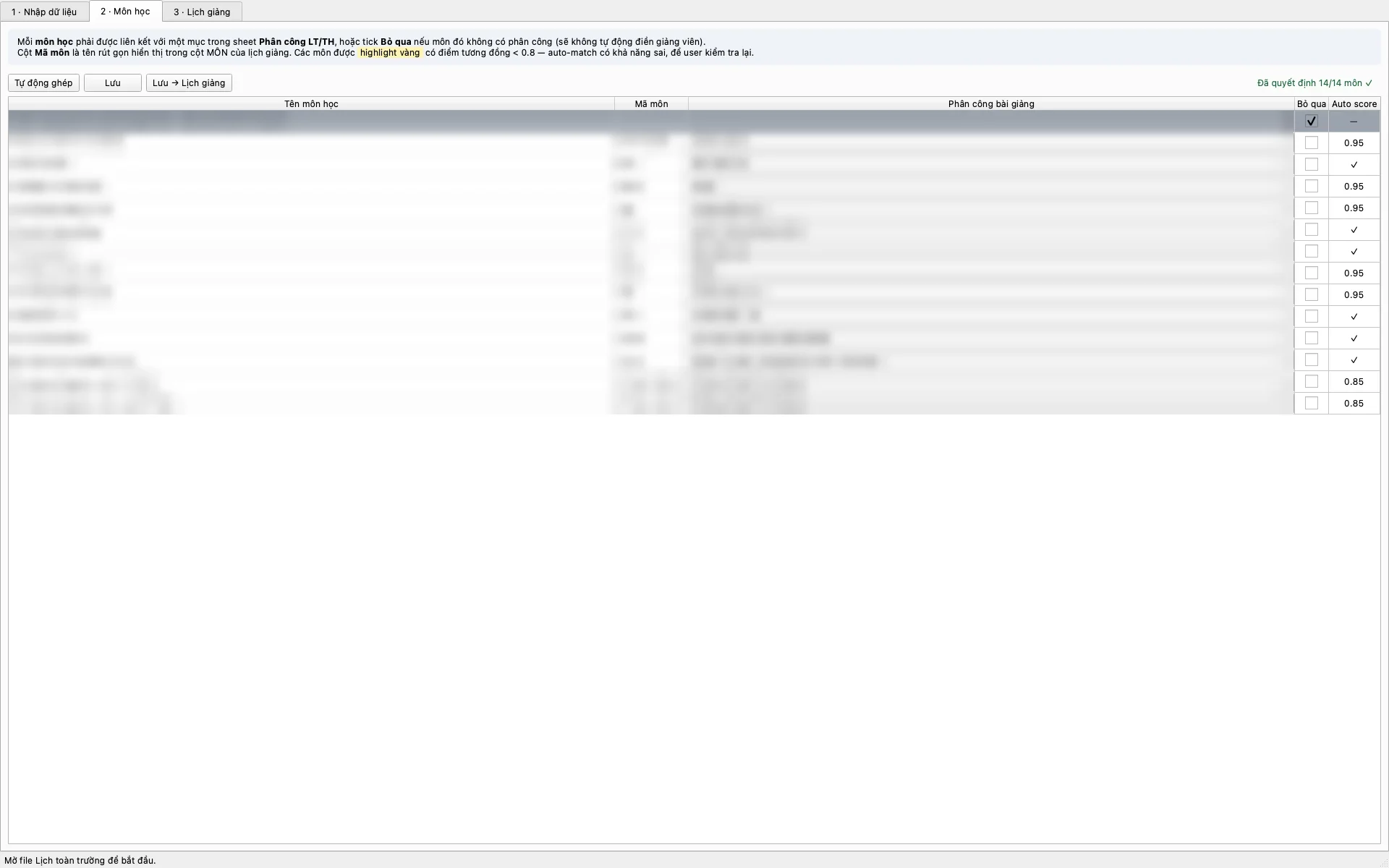
Match subjects first
Every subject has to be matched to an assignment or marked as skipped before the schedule step opens. Matches the app is unsure about are highlighted for someone to check.
18 / Desktop app · solo · client work
Every semester a university department gets the school-wide timetable in Excel, has a table of who teaches what, and works out by hand which lesson falls on which day and who gives it. ShiftTool reads both files, builds the whole department's weekly schedule and exports it back to Excel. What it cannot settle, it leaves for a person.
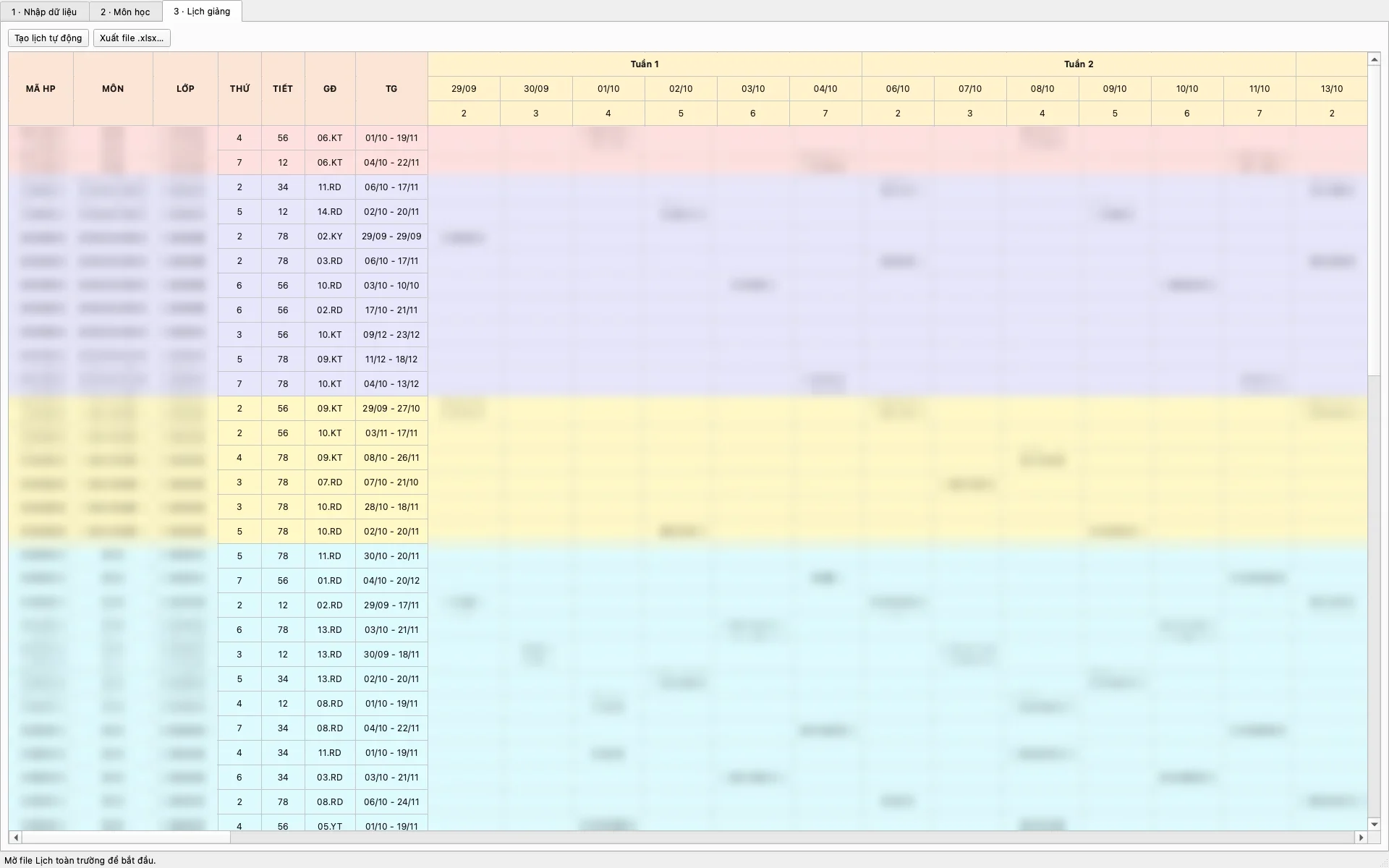
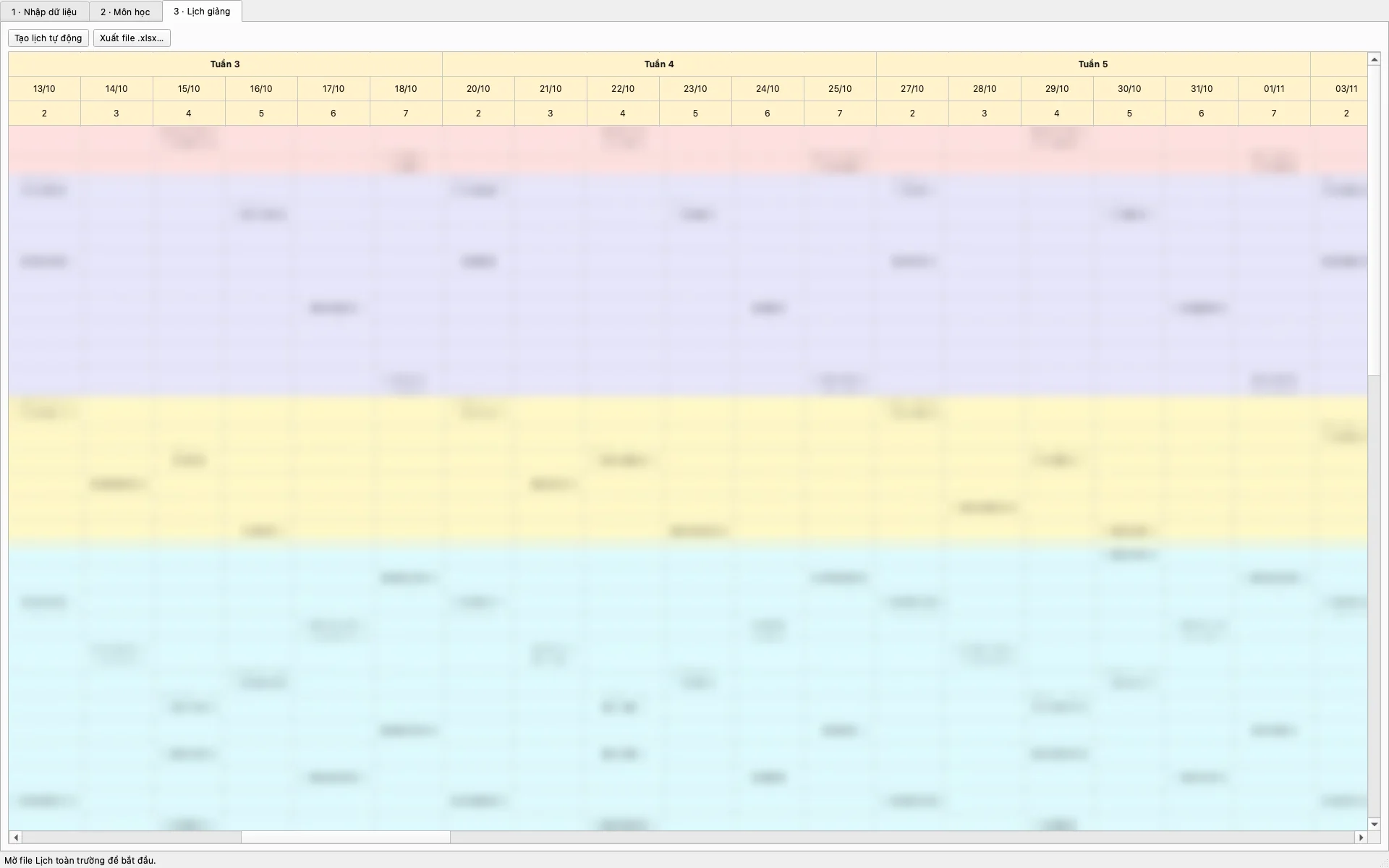
When nobody fits a slot, the cell stays empty for a person to fill. The app never guesses.
Every subject has to be matched to an assignment or marked as skipped before the schedule step opens. Matches the app is unsure about are highlighted for someone to check.
A lecturer is never in two places in the same period, and never over 4 periods a day, a limit the client asked for. When that gets in the way the app moves other lessons up first. If nobody is left, the cell stays empty and is listed for someone to fill.
Subject matches are saved and shared across semesters, so a new semester only means checking the new subjects.
A department has habits no spreadsheet records, so every cell on the schedule can be changed by hand, and the export takes exactly what is on screen.
Build a product together, distribute one that exists, commission software, or join in — write a few lines and NYX will get back to you.
Send an invitation →